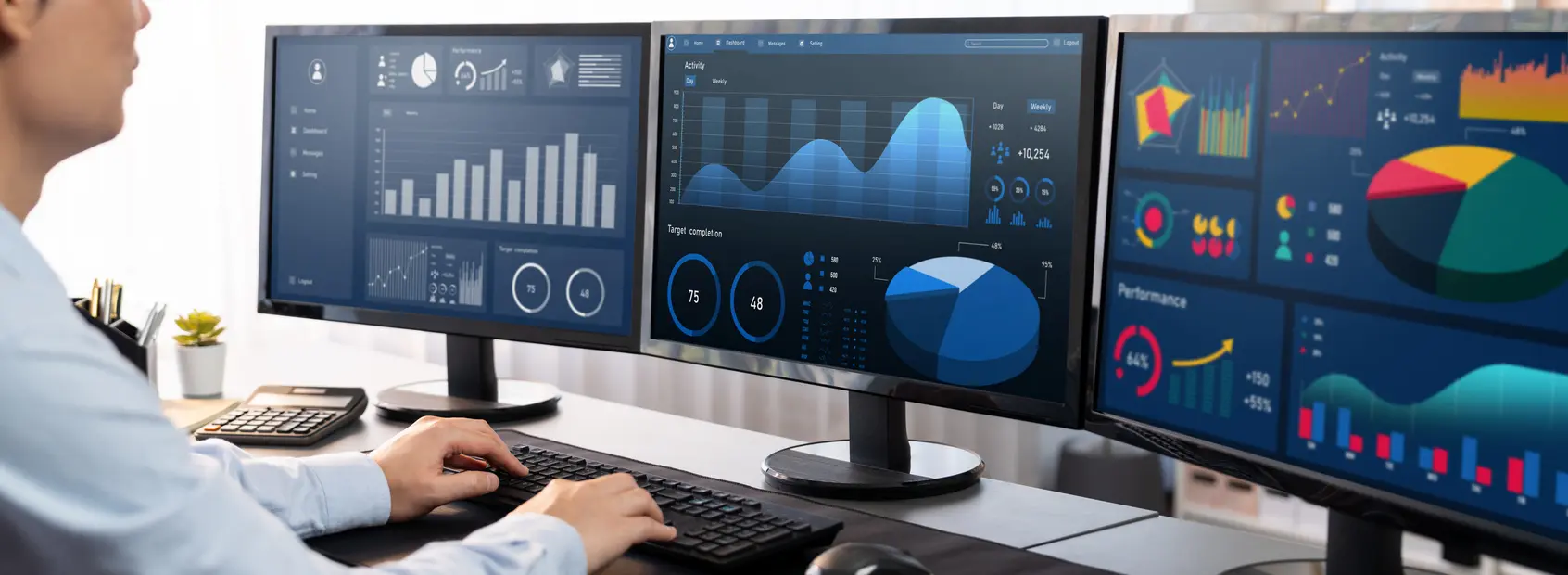
Most organisations do not lack business intelligence. The challenge is getting from the information already sitting across dashboards to the answer someone needs to make a decision. As business intelligence environments grow, that journey can still involve searching reports, applying filters, cross-checking figures and waiting for someone to pull the answer together.
Trudax is designed to shorten that path.
1. Ask questions in natural language
Users do not always know which report or dashboard contains the answer they need.
Trudax allows users to ask questions in natural language, such as “Are we on track to meet our financial projections?” It interprets the request and identifies the relevant Power BI dashboards and data, reducing the navigation between question and answer.
2. Bring information together across dashboards
Important business questions often span multiple reports, functions or projects.
Trudax can query multiple Power BI dashboards from a single question. Its AI agents route the request to the relevant dashboards and consolidate the information into one structured response, reducing the need to piece the data together manually.
Trudax can turn query results into charts and graphs, helping users visualise information and make insights easier to understand and share.
Trudax can turn query results into charts and graphs, helping users visualise information and make insights easier to understand and share.
3. Make answers easier to understand and share
Getting the answer is only part of the decision-making process. Teams often need to interpret trends or communicate findings before they can act.
Trudax can turn query results into charts and graphs, helping users visualise information and make insights easier to understand and share.
4. Automate more of the retrieval work
Analysts can spend valuable time locating figures, cross-checking reports and compiling information before deeper analysis begins.
By retrieving and summarising information from existing dashboards, Trudax can reduce this intermediary work and help data teams spend more time on analysis that requires their expertise.
5. Make faster insights easier to trust
Speed only matters if users can trust the answer.
Trudax grounds responses in connected Power BI dashboards and allows users to trace responses back to the underlying source data for verification. It also follows existing Power BI permissions, so users only access information they are already authorised to view.
Dashboards remain the foundation of business intelligence. Trudax makes the intelligence within them easier to reach, helping organisations move from business questions to trusted insights to action with fewer steps in between.
Want to get faster answers from your Power BI dashboards? Book a Trudax demo to see how it works.